
From visible crop damage to a practical next step in a few actions.
The farmer-facing workflow is designed to be simple enough for repeated field use while preserving confidence information and clear guidance.
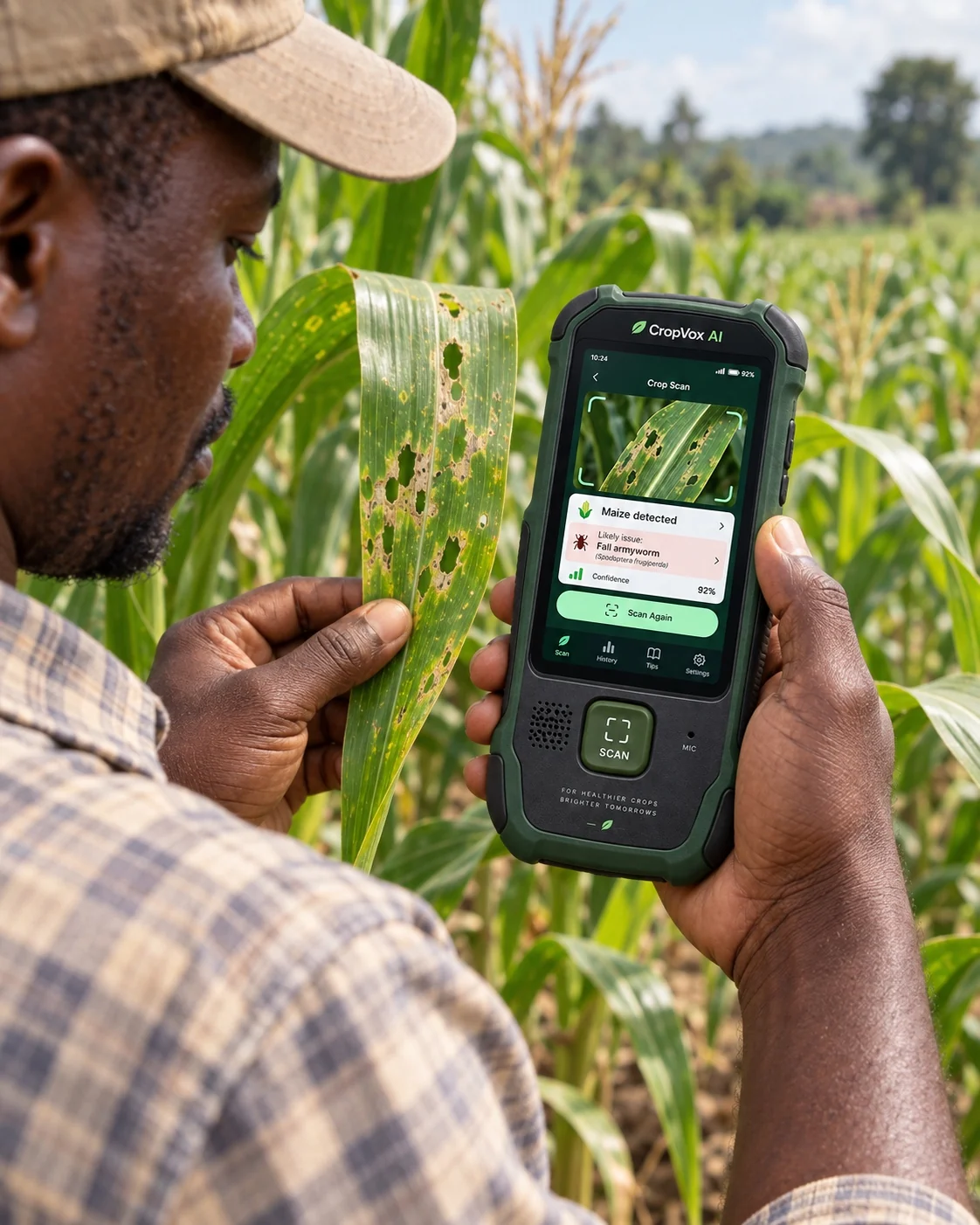
Maize
A farmer sees feeding damage on a maize leaf and scans it with CropVox.
Guidance remains available offline.
The device can explain the likely issue, show stored next-step guidance and speak it in a supported local language without mobile data.
Cassava
A cassava leaf shows a mosaic-like pattern. The device captures the leaf and compares the visible pattern against the supported cassava model classes.
If confidence is low, another image is requested.
CropVox can ask for a clearer leaf, another angle or another plant part before returning a likely diagnosis.
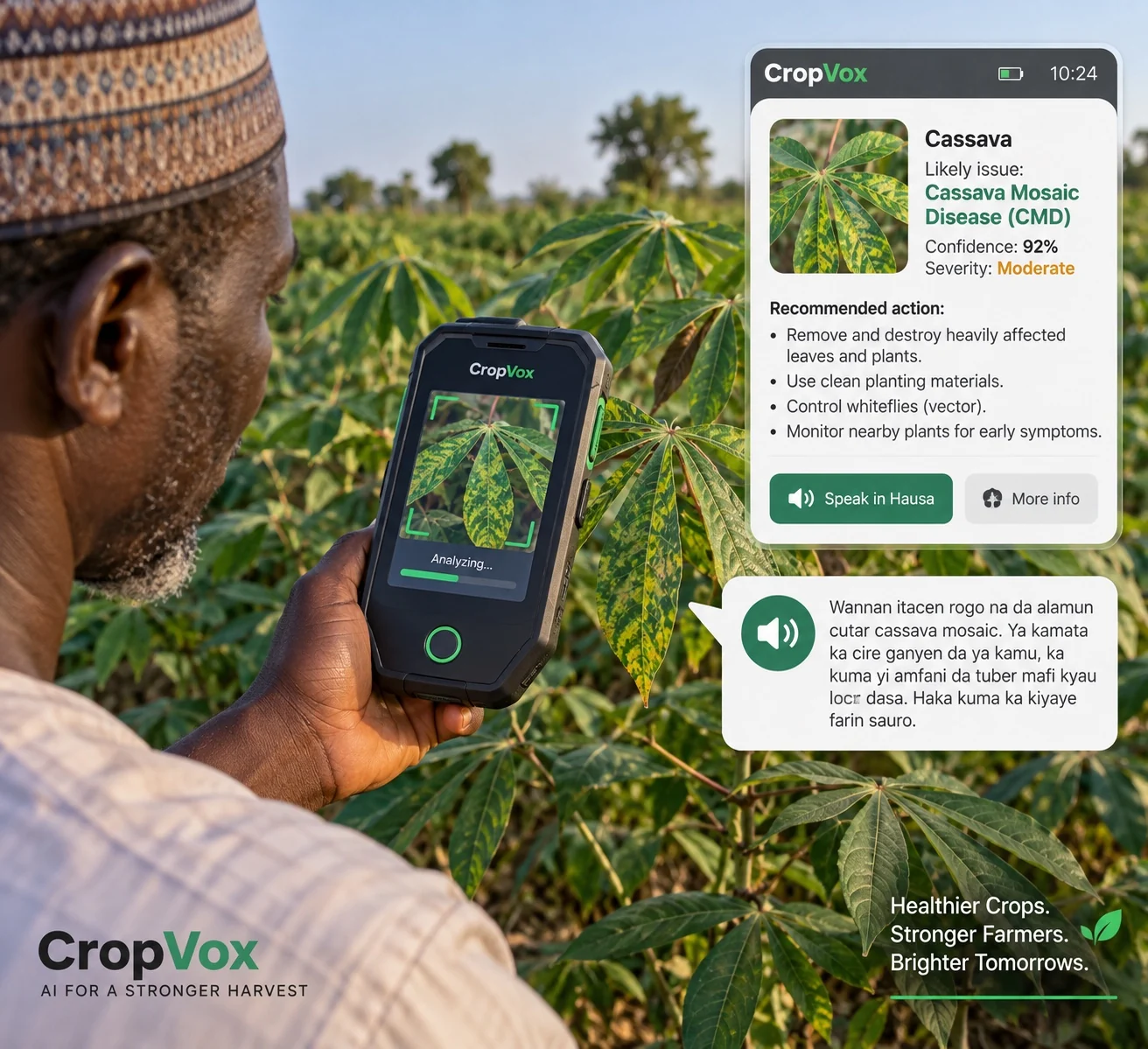
The field interaction stays simple.
Technical complexity remains behind the interface while the farmer sees a repeatable scan flow.
Frame
Point the camera at the affected plant part.
Scan
Press the physical scan button or on-screen control.
Review
See the likely issue, confidence and severity information.
Listen
Read or hear the stored field guidance in a supported language.